 EagleCast TV
3 Months
$25 USD
$0.27/day
- ✓ 35,000+ international channels
- ✓ 179,000+ movies and series
- ✓ Up to 4K/UHD options
- ✓ Compatibility across popular devices
- — +1 month free on annual plan
- × +$5 for adult category access
Explore EagleCast TV subscription options for live channels, sports, movies, series, and compatible devices, with clear setup guidance and WhatsApp support. Use only apps, services, and content you are authorized to access.
Choose lasting playback value: the 12-month option is $59 USD.















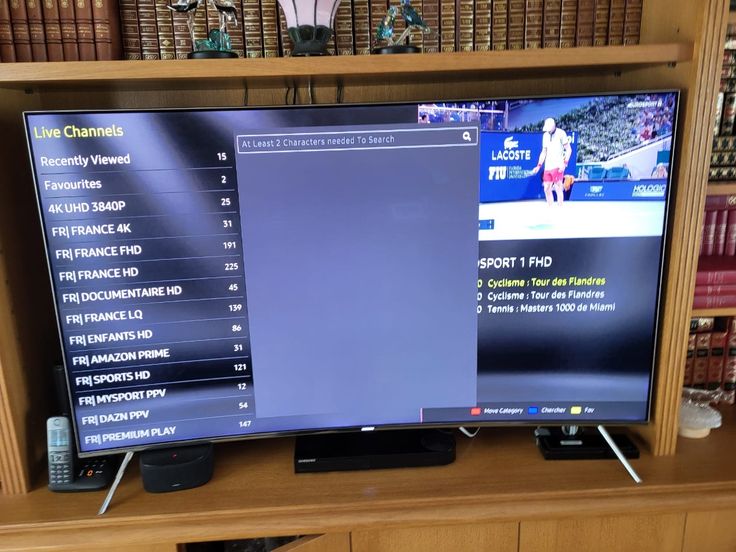
Browse visual categories, search by title, and use favorites to make a large library easier to navigate.










Find event listings through organized sports categories and check the guide for local start times.









These interface views illustrate how compatible players can organize live TV, movies, series, and guide information.
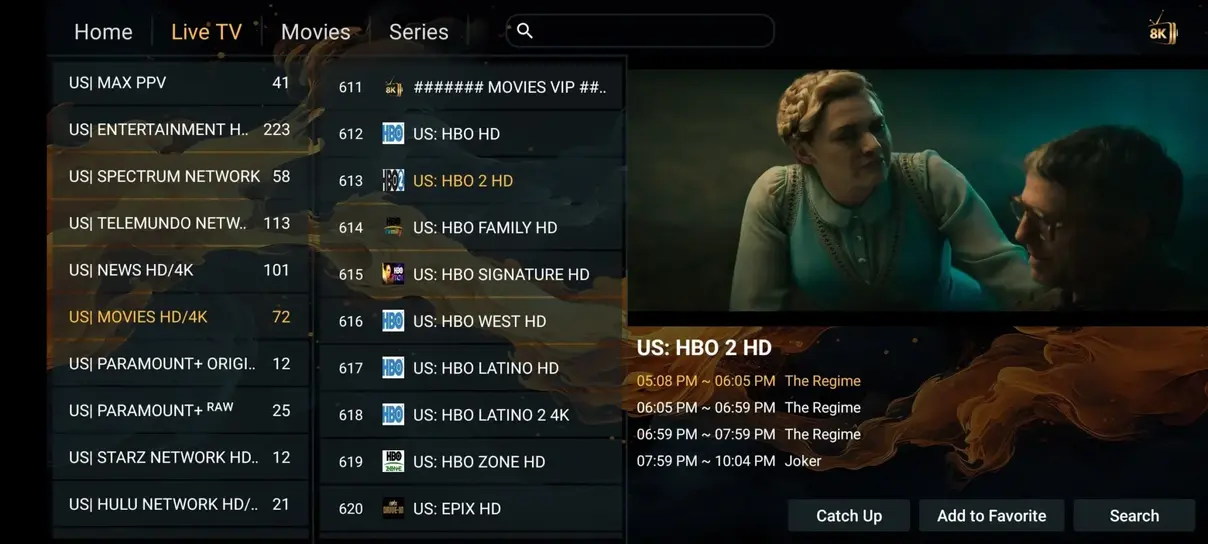
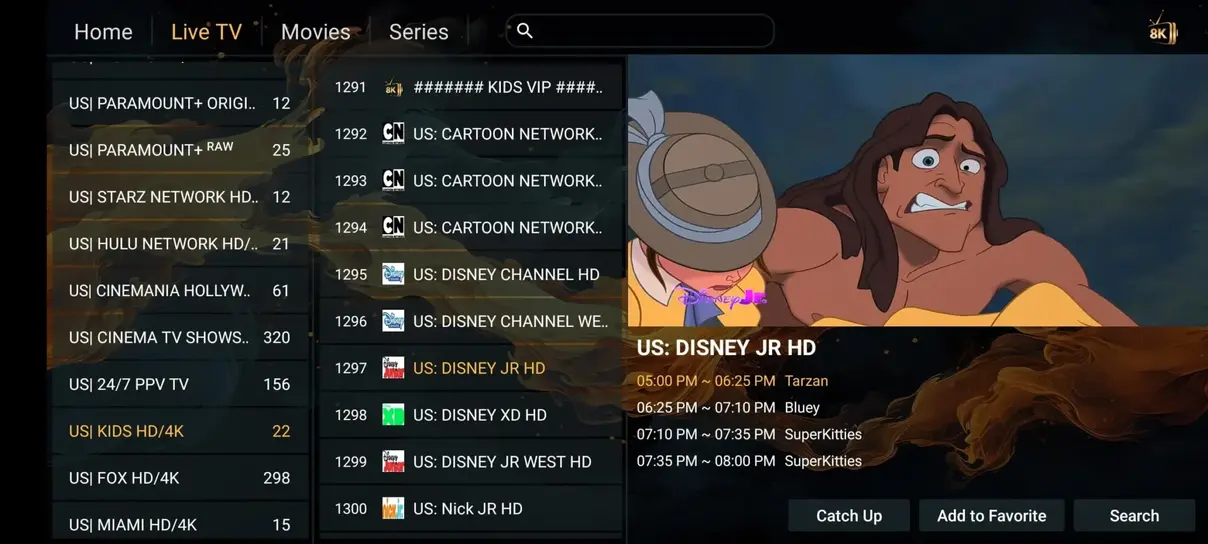
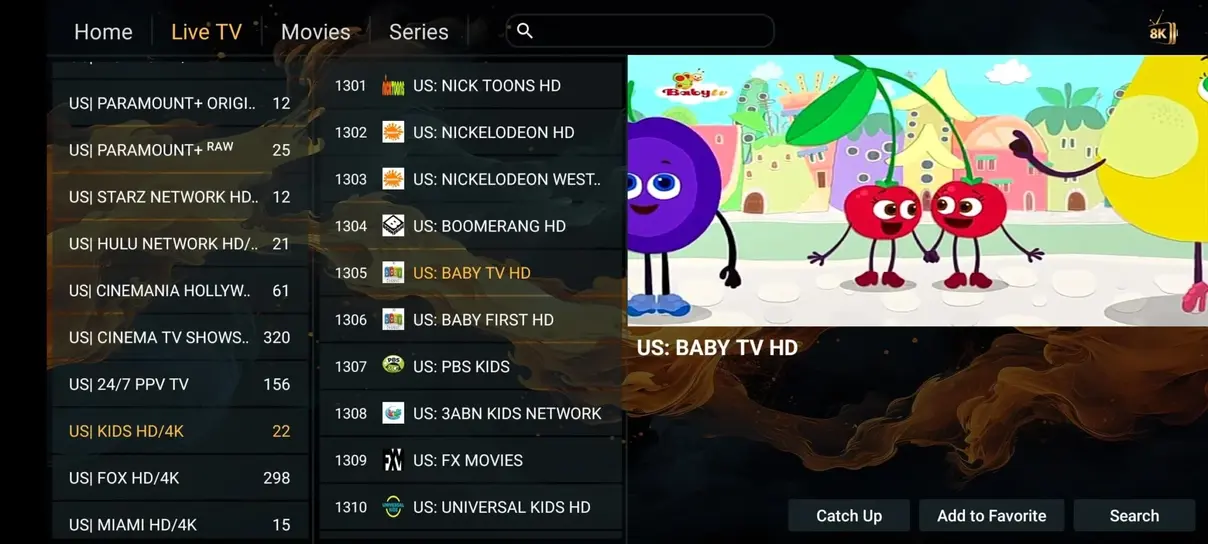
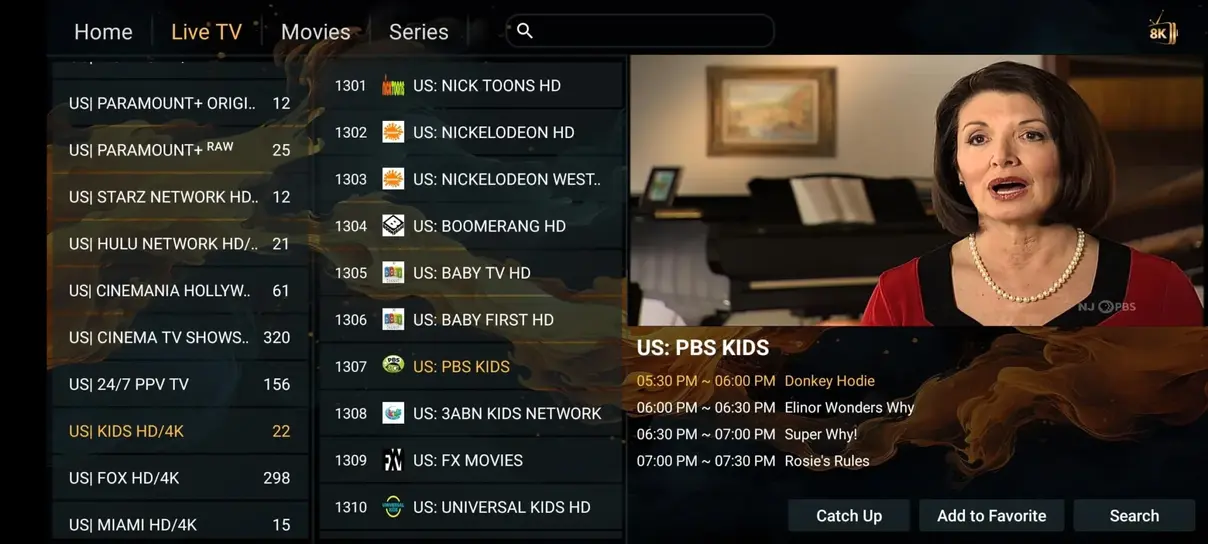
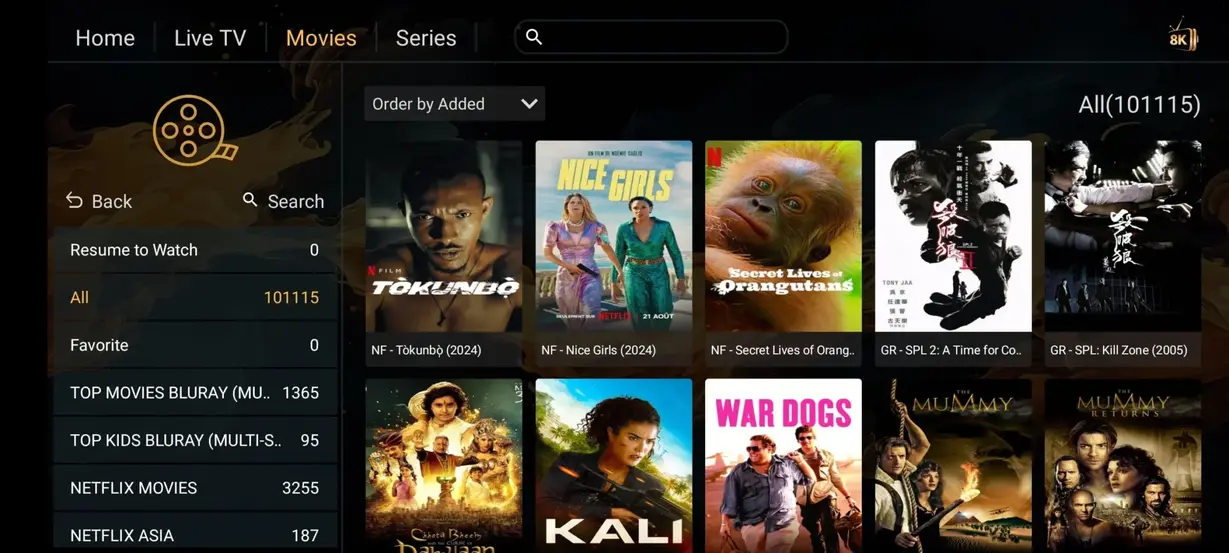
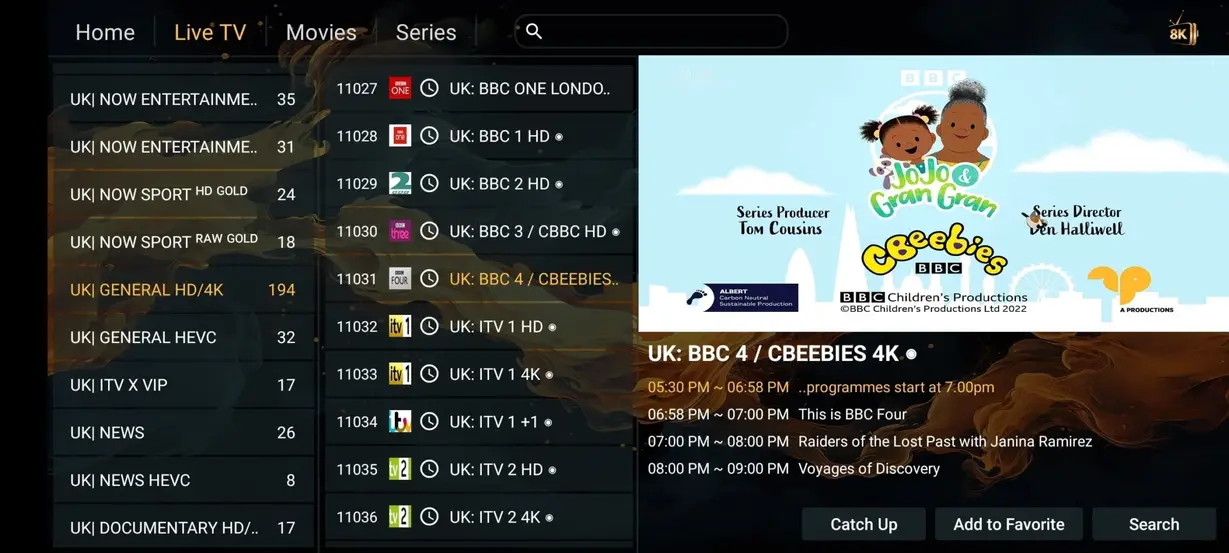
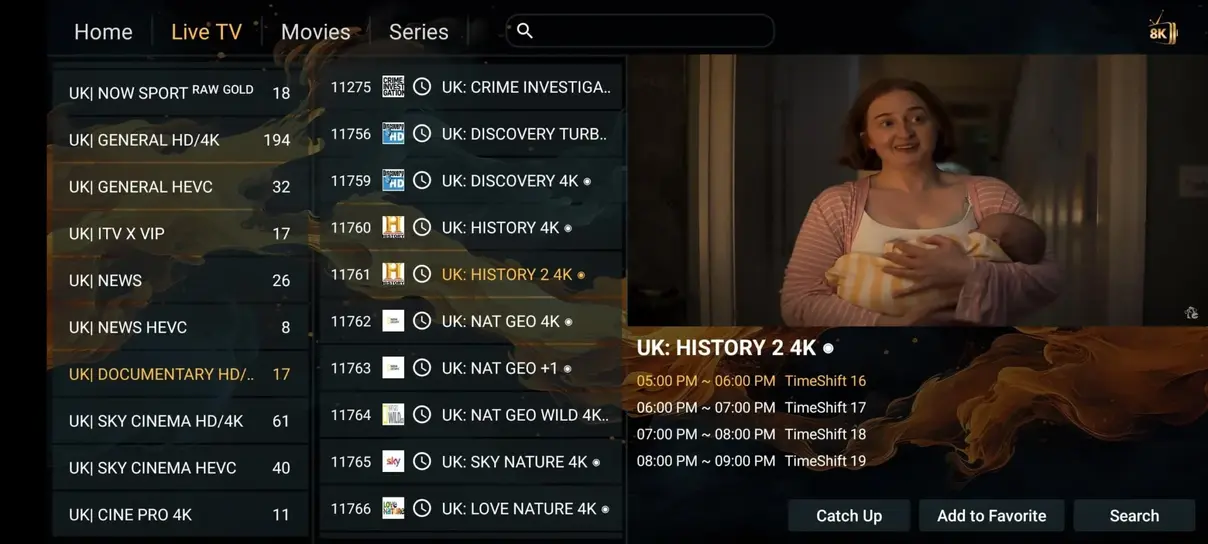
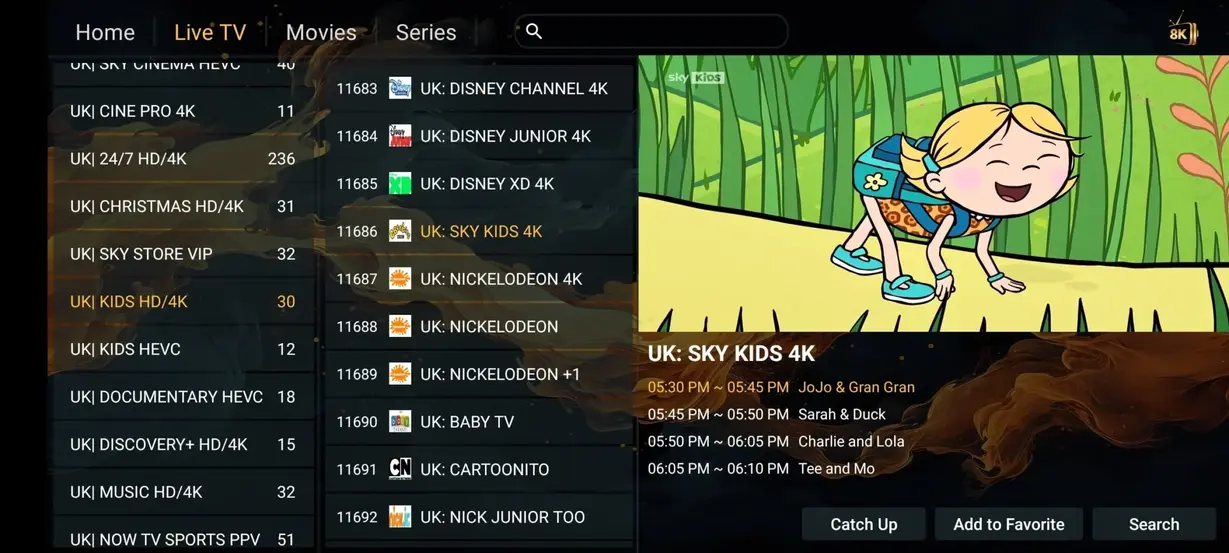
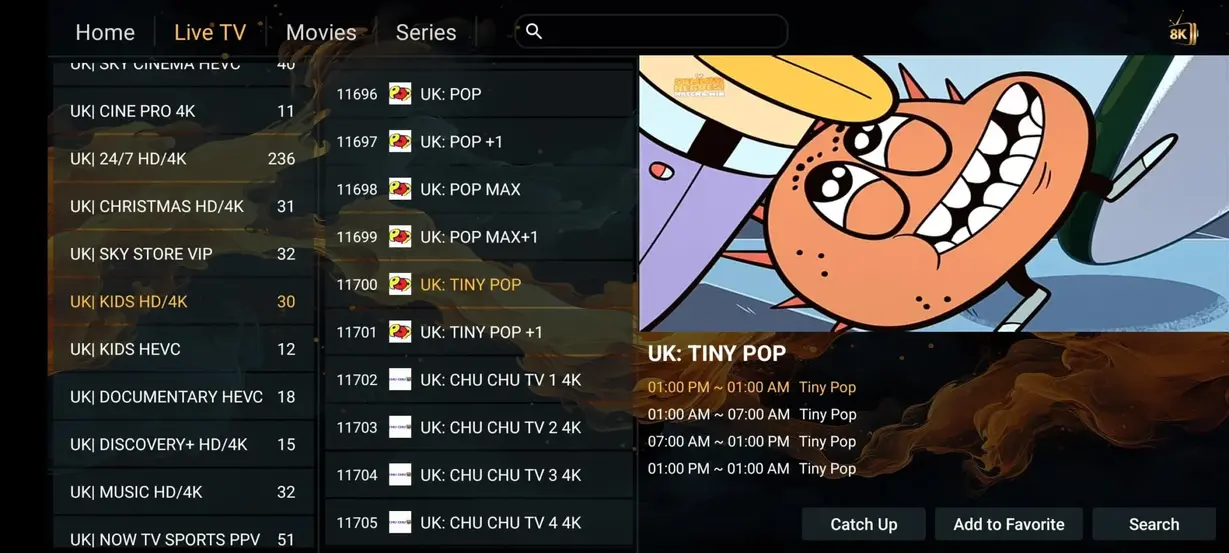
Use this quick comparison as a planning aid and confirm current availability before ordering.
| Feature | EagleCast TV | Cable / satellite |
|---|---|---|
| Annual cost | $59/year | $1,200+/year |
| Live channel listings | 35,000+ | 200–500 |
| Movies & series | 179,000+ | Often extra |
| Adult category | Plan-dependent | Often unavailable |
| 24/7 categories | 1,000+ | Limited |
| Sports categories | Included | Package-dependent |
| Contract | No long contract | Often required |
| Watch on devices | Yes | Often limited |
Start short or choose the annual value. Prices are shown per plan and per day for easier comparison.
3 Months
$0.27/day
12 Months
$0.16/day
6 Months
$0.21/day
1 Month
$0.39/day
A short plan for testing your device and viewing routine before making a longer commitment.
Choose 1 month
Choose a compatible IPTV player from your device’s trusted app source.
Use the M3U or Xtream Codes information supplied for your subscription.
Load the playlist, organize favorites, and test a channel on your normal connection.
Compare televisions, streaming sticks, boxes, phones, tablets, and computers before choosing your player.








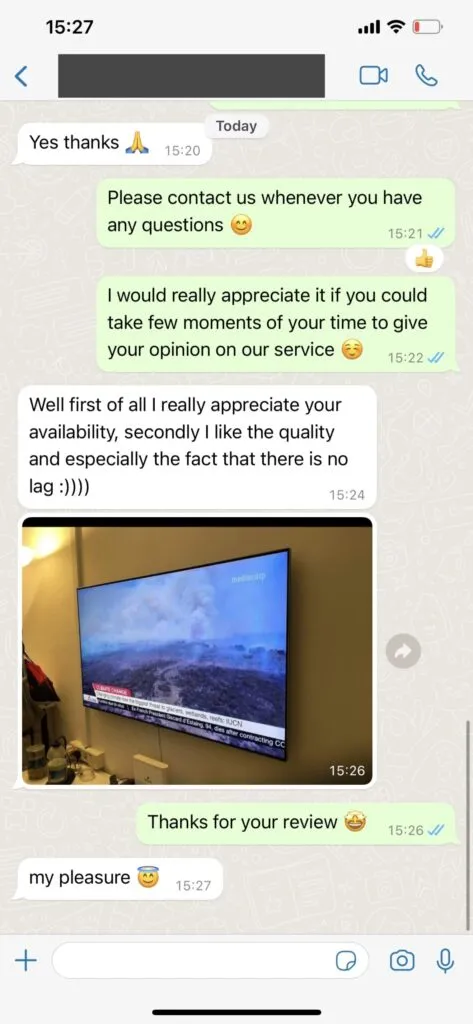
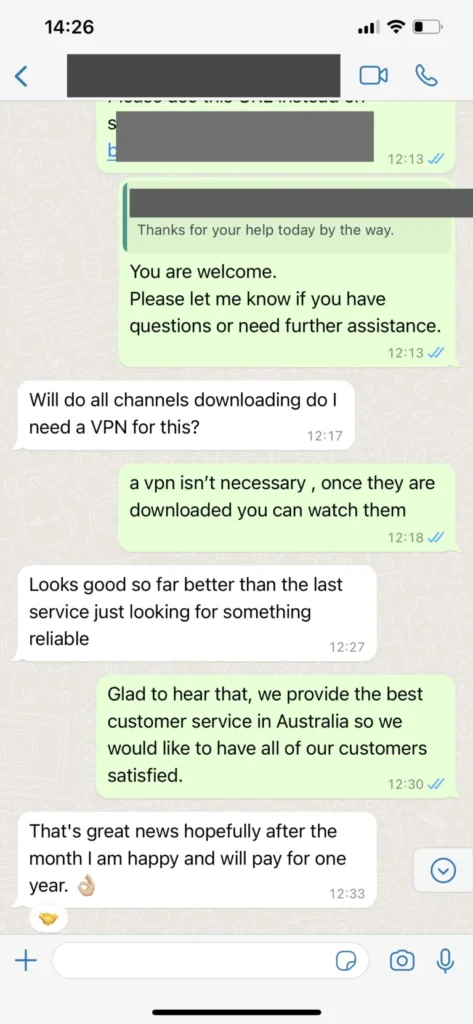
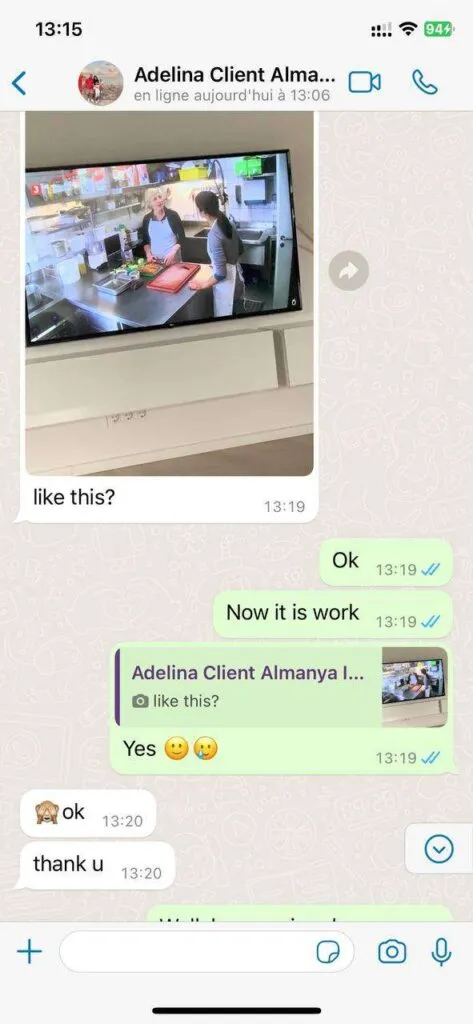
Submitted reviews discuss setup, sports, movies, channel navigation, and device use. Experiences depend on each viewer’s network and hardware.
“Setup on my Fire TV was straightforward after I followed the installation guide. Favorites made the sports categories easier to manage.”
Marcus T.Atlanta, GA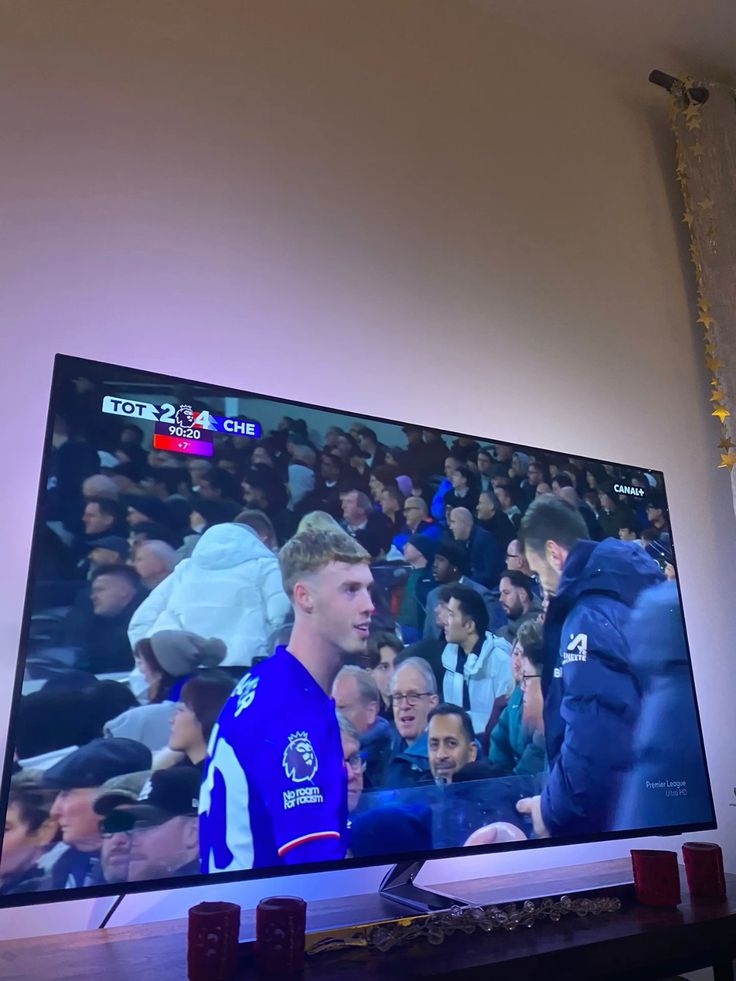
“The movie and series menus were easy to browse on my Android TV. I appreciated getting clear player setup instructions.”
Olivia R.Austin, TX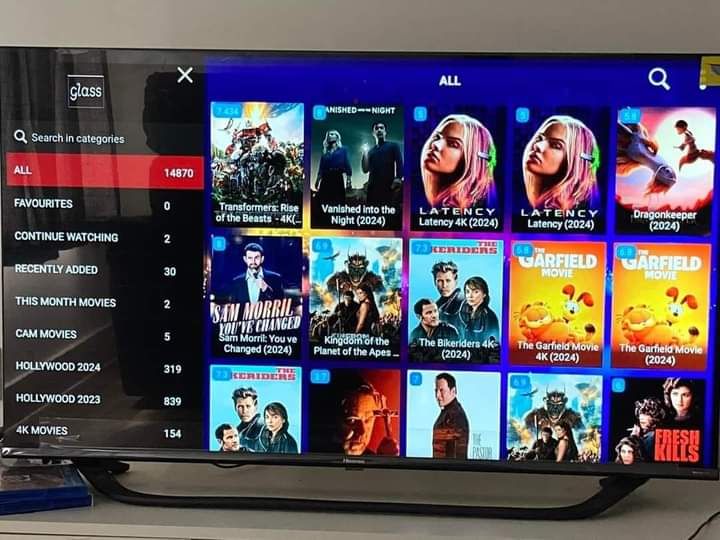
“A wired connection made the biggest difference for evening viewing. Support helped me refresh the guide after I changed apps.”
Daniel K.Chicago, IL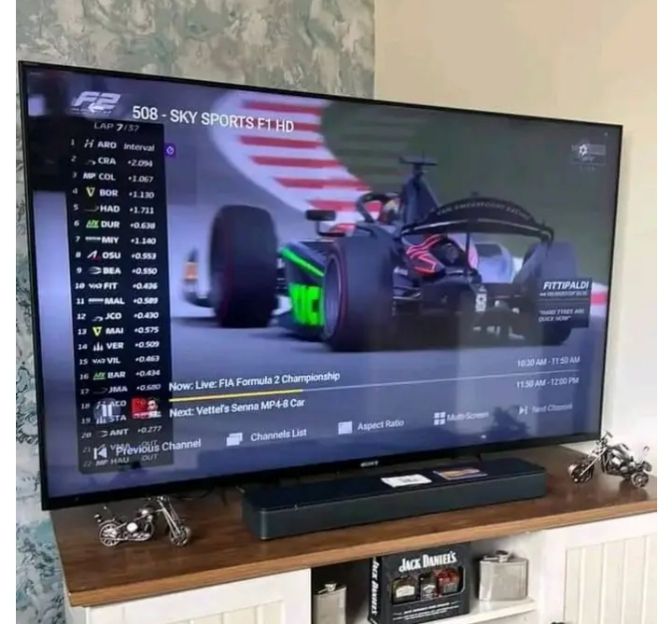
“I use a tablet while traveling and a Smart TV at home. The device guide helped me choose separate compatible players.”
Maya S.Seattle, WA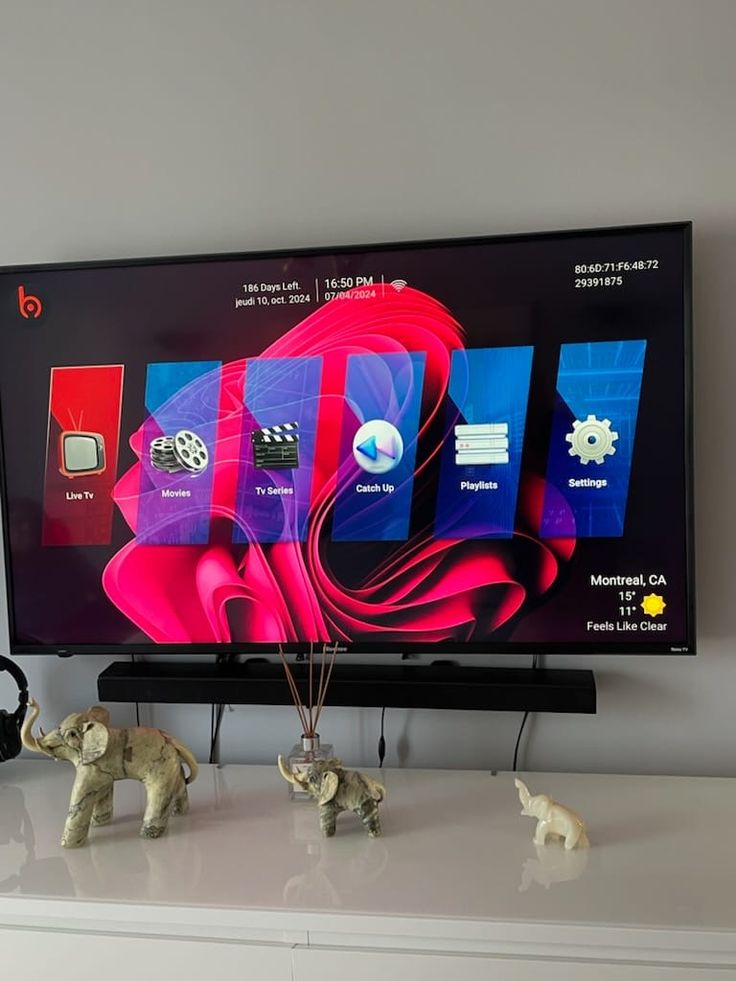
“The channel favorites and EPG are the features I use most. Initial organization took a little time but simplified daily viewing.”
Anthony B.Boston, MA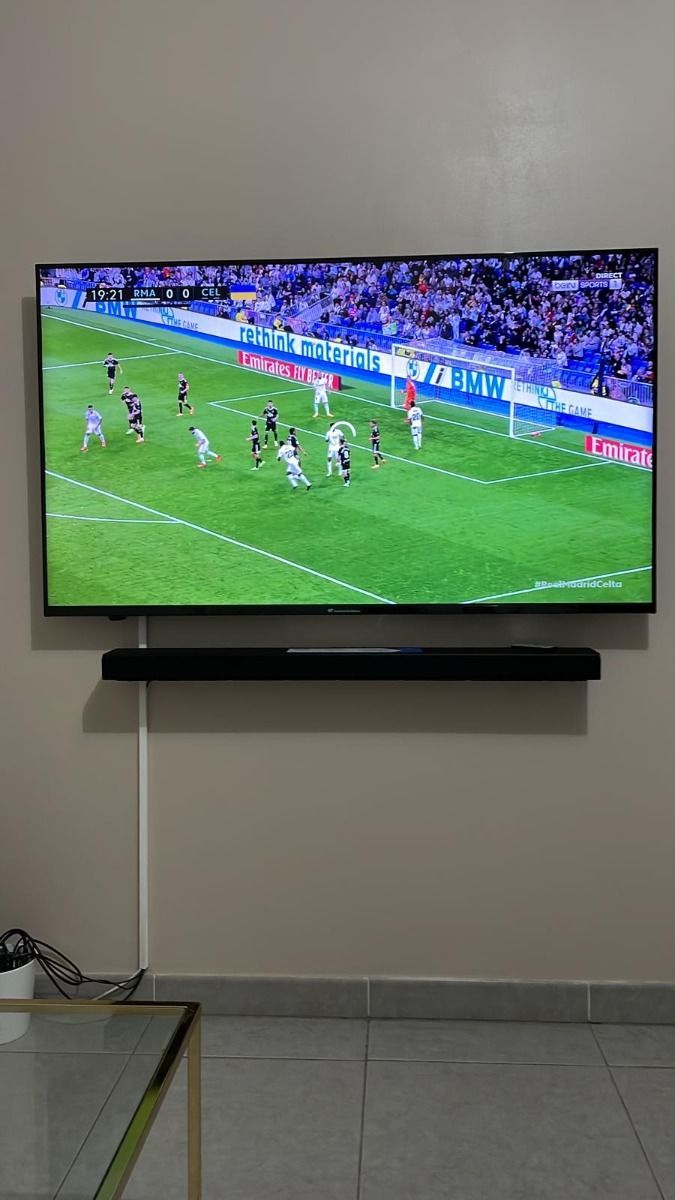
“The pricing explanation made it easier to compare a shorter plan with the annual option for our household.”
Natalie C.Phoenix, AZ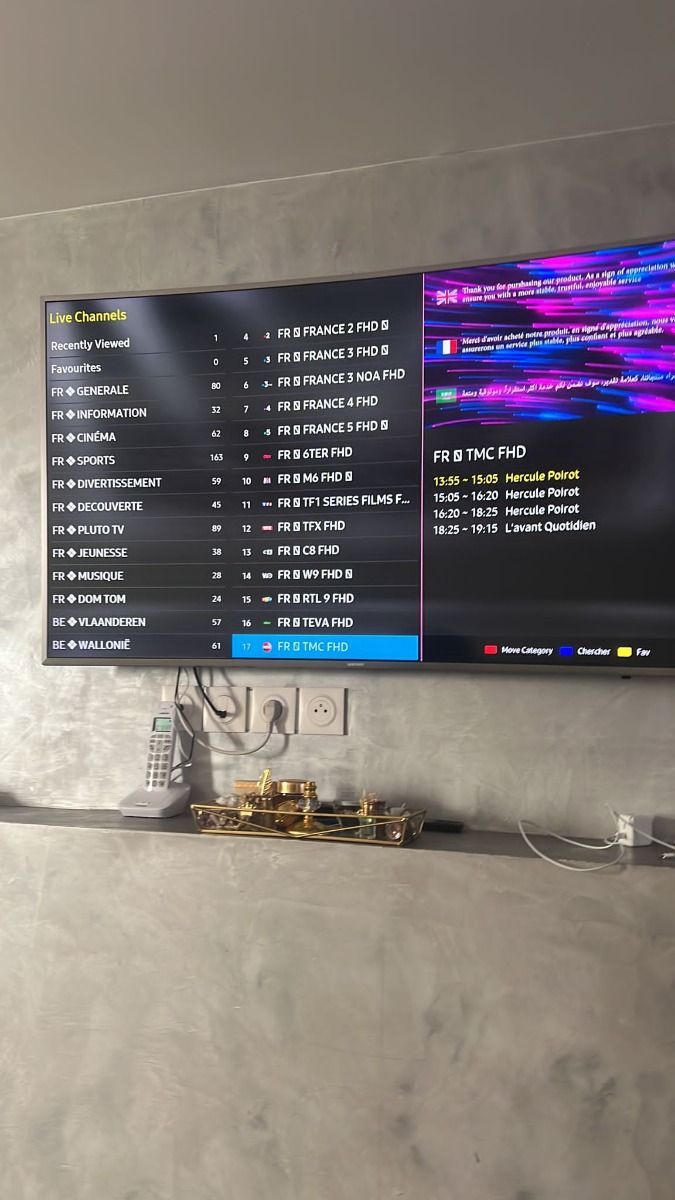
“I had a login typo during setup. The troubleshooting checklist helped me identify it before contacting support.”
Jordan W.Denver, COAsk about plan length, compatible apps, multi-screen options, or a setup issue. Include the device and app name for a clearer answer.
Open WhatsApp support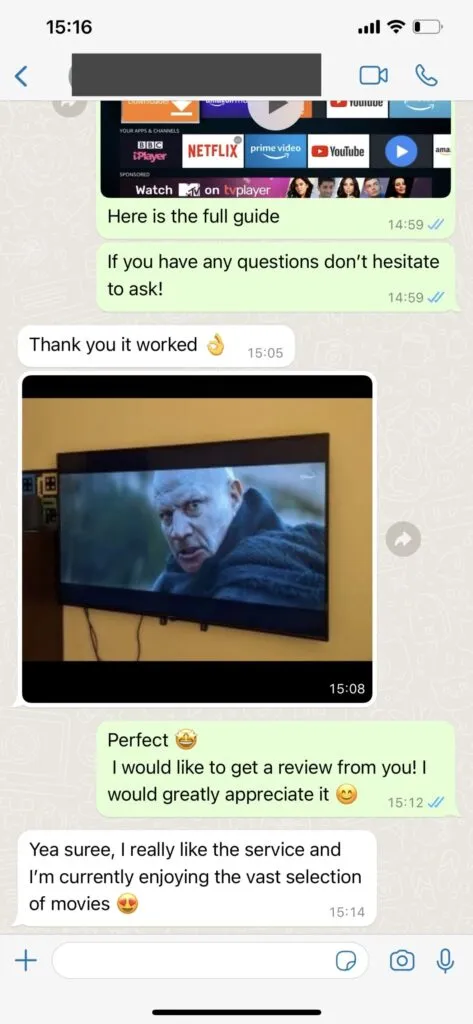

Learn how live channel categories can fit your app, network, and household routine.
Learn how movies and series on demand can fit your app, network, and household routine.
Learn how hd through 4k options can fit your app, network, and household routine.
Learn how epg and catch-up tools can fit your app, network, and household routine.
Learn how popular device support can fit your app, network, and household routine.
Learn how multi-screen choices can fit your app, network, and household routine.
Practical answers for common subscription, app, device, and network questions.
Support is available through WhatsApp for plan questions, installation guidance, and troubleshooting. Send your device model, player name, and a concise description of the issue so the team can respond efficiently.
Start a WhatsApp conversation and identify the plan you want. The team can explain the current checkout steps and activation process. Never share passwords or unrelated financial credentials in chat.
Common choices include Smart TVs, Amazon Fire TV devices, Android TV boxes, Apple devices, phones, tablets, and computers. A compatible IPTV player is required, and availability varies by app store and model.
The service is organized around live television, sports, movies, series, and international categories. Exact availability may change, so ask support about a specific channel or event before ordering.
As a practical starting point, allow about 10 Mbps for HD and 25 Mbps for 4K on each active stream. Network stability, Wi-Fi signal strength, device performance, and other household traffic also matter.
A VPN is not automatically required. Some viewers use one for privacy, but it can add latency or reduce speed. Check local law and network policies, then compare playback with and without it.
A compatible device and stable internet connection may let you use the service while traveling. Availability, app-store access, network policies, and content rights can vary by location.
Evaluating an IPTV subscription matters to US viewers comparing flexible live and on-demand viewing options. The useful starting point is not a headline number or a single promotional phrase; it is the way the feature behaves on the screen, network, and player used every day. EagleCast TV visitors should compare the available information with their own priorities, confirm any account-specific detail before ordering, and keep expectations tied to the device and connection they control.
A practical evaluation begins with one repeatable task. Open the relevant app, identify the setting or category connected with evaluating an iptv subscription, and note what happens under normal home-network conditions. Change only one variable at a time. This approach makes it easier to tell whether an issue comes from Wi-Fi, device memory, app configuration, credentials, or the source itself. It also creates a clearer support request if assistance becomes necessary.
For United States viewers, ordinary household details can shape the result: busy evening internet traffic, mesh-network handoffs, data caps, shared televisions, and different app stores across brands. A plan that works well for one room may need a different player or wired connection in another. Review privacy, payment, licensing, and parental-control expectations as part of the decision rather than treating them as afterthoughts.
The goal is to choose a suitable plan, app, and device setup. Keep account information private, install software from sources you trust, and use only streams and content you are authorized to access. After this topic is clear, continue with matching a plan to household viewing or use the related links below. That sequence keeps setup deliberate, makes comparisons easier, and reduces unnecessary changes that can hide the real cause of a problem.
Matching a plan to household viewing matters to US viewers comparing flexible live and on-demand viewing options. The useful starting point is not a headline number or a single promotional phrase; it is the way the feature behaves on the screen, network, and player used every day. EagleCast TV visitors should compare the available information with their own priorities, confirm any account-specific detail before ordering, and keep expectations tied to the device and connection they control.
A practical evaluation begins with one repeatable task. Open the relevant app, identify the setting or category connected with matching a plan to household viewing, and note what happens under normal home-network conditions. Change only one variable at a time. This approach makes it easier to tell whether an issue comes from Wi-Fi, device memory, app configuration, credentials, or the source itself. It also creates a clearer support request if assistance becomes necessary.
For United States viewers, ordinary household details can shape the result: busy evening internet traffic, mesh-network handoffs, data caps, shared televisions, and different app stores across brands. A plan that works well for one room may need a different player or wired connection in another. Review privacy, payment, licensing, and parental-control expectations as part of the decision rather than treating them as afterthoughts.
The goal is to choose a suitable plan, app, and device setup. Keep account information private, install software from sources you trust, and use only streams and content you are authorized to access. After this topic is clear, continue with preparing a reliable home network or use the related links below. That sequence keeps setup deliberate, makes comparisons easier, and reduces unnecessary changes that can hide the real cause of a problem.
Preparing a reliable home network matters to US viewers comparing flexible live and on-demand viewing options. The useful starting point is not a headline number or a single promotional phrase; it is the way the feature behaves on the screen, network, and player used every day. EagleCast TV visitors should compare the available information with their own priorities, confirm any account-specific detail before ordering, and keep expectations tied to the device and connection they control.
A practical evaluation begins with one repeatable task. Open the relevant app, identify the setting or category connected with preparing a reliable home network, and note what happens under normal home-network conditions. Change only one variable at a time. This approach makes it easier to tell whether an issue comes from Wi-Fi, device memory, app configuration, credentials, or the source itself. It also creates a clearer support request if assistance becomes necessary.
For United States viewers, ordinary household details can shape the result: busy evening internet traffic, mesh-network handoffs, data caps, shared televisions, and different app stores across brands. A plan that works well for one room may need a different player or wired connection in another. Review privacy, payment, licensing, and parental-control expectations as part of the decision rather than treating them as afterthoughts.
The goal is to choose a suitable plan, app, and device setup. Keep account information private, install software from sources you trust, and use only streams and content you are authorized to access. After this topic is clear, continue with choosing a compatible player or use the related links below. That sequence keeps setup deliberate, makes comparisons easier, and reduces unnecessary changes that can hide the real cause of a problem.
Choosing a compatible player matters to US viewers comparing flexible live and on-demand viewing options. The useful starting point is not a headline number or a single promotional phrase; it is the way the feature behaves on the screen, network, and player used every day. EagleCast TV visitors should compare the available information with their own priorities, confirm any account-specific detail before ordering, and keep expectations tied to the device and connection they control.
A practical evaluation begins with one repeatable task. Open the relevant app, identify the setting or category connected with choosing a compatible player, and note what happens under normal home-network conditions. Change only one variable at a time. This approach makes it easier to tell whether an issue comes from Wi-Fi, device memory, app configuration, credentials, or the source itself. It also creates a clearer support request if assistance becomes necessary.
For United States viewers, ordinary household details can shape the result: busy evening internet traffic, mesh-network handoffs, data caps, shared televisions, and different app stores across brands. A plan that works well for one room may need a different player or wired connection in another. Review privacy, payment, licensing, and parental-control expectations as part of the decision rather than treating them as afterthoughts.
The goal is to choose a suitable plan, app, and device setup. Keep account information private, install software from sources you trust, and use only streams and content you are authorized to access. After this topic is clear, continue with organizing a large channel guide or use the related links below. That sequence keeps setup deliberate, makes comparisons easier, and reduces unnecessary changes that can hide the real cause of a problem.
Organizing a large channel guide matters to US viewers comparing flexible live and on-demand viewing options. The useful starting point is not a headline number or a single promotional phrase; it is the way the feature behaves on the screen, network, and player used every day. EagleCast TV visitors should compare the available information with their own priorities, confirm any account-specific detail before ordering, and keep expectations tied to the device and connection they control.
A practical evaluation begins with one repeatable task. Open the relevant app, identify the setting or category connected with organizing a large channel guide, and note what happens under normal home-network conditions. Change only one variable at a time. This approach makes it easier to tell whether an issue comes from Wi-Fi, device memory, app configuration, credentials, or the source itself. It also creates a clearer support request if assistance becomes necessary.
For United States viewers, ordinary household details can shape the result: busy evening internet traffic, mesh-network handoffs, data caps, shared televisions, and different app stores across brands. A plan that works well for one room may need a different player or wired connection in another. Review privacy, payment, licensing, and parental-control expectations as part of the decision rather than treating them as afterthoughts.
The goal is to choose a suitable plan, app, and device setup. Keep account information private, install software from sources you trust, and use only streams and content you are authorized to access. After this topic is clear, continue with balancing live tv and on-demand viewing or use the related links below. That sequence keeps setup deliberate, makes comparisons easier, and reduces unnecessary changes that can hide the real cause of a problem.
Balancing live TV and on-demand viewing matters to US viewers comparing flexible live and on-demand viewing options. The useful starting point is not a headline number or a single promotional phrase; it is the way the feature behaves on the screen, network, and player used every day. EagleCast TV visitors should compare the available information with their own priorities, confirm any account-specific detail before ordering, and keep expectations tied to the device and connection they control.
A practical evaluation begins with one repeatable task. Open the relevant app, identify the setting or category connected with balancing live tv and on-demand viewing, and note what happens under normal home-network conditions. Change only one variable at a time. This approach makes it easier to tell whether an issue comes from Wi-Fi, device memory, app configuration, credentials, or the source itself. It also creates a clearer support request if assistance becomes necessary.
For United States viewers, ordinary household details can shape the result: busy evening internet traffic, mesh-network handoffs, data caps, shared televisions, and different app stores across brands. A plan that works well for one room may need a different player or wired connection in another. Review privacy, payment, licensing, and parental-control expectations as part of the decision rather than treating them as afterthoughts.
The goal is to choose a suitable plan, app, and device setup. Keep account information private, install software from sources you trust, and use only streams and content you are authorized to access. After this topic is clear, continue with planning for multiple screens or use the related links below. That sequence keeps setup deliberate, makes comparisons easier, and reduces unnecessary changes that can hide the real cause of a problem.
Planning for multiple screens matters to US viewers comparing flexible live and on-demand viewing options. The useful starting point is not a headline number or a single promotional phrase; it is the way the feature behaves on the screen, network, and player used every day. EagleCast TV visitors should compare the available information with their own priorities, confirm any account-specific detail before ordering, and keep expectations tied to the device and connection they control.
A practical evaluation begins with one repeatable task. Open the relevant app, identify the setting or category connected with planning for multiple screens, and note what happens under normal home-network conditions. Change only one variable at a time. This approach makes it easier to tell whether an issue comes from Wi-Fi, device memory, app configuration, credentials, or the source itself. It also creates a clearer support request if assistance becomes necessary.
For United States viewers, ordinary household details can shape the result: busy evening internet traffic, mesh-network handoffs, data caps, shared televisions, and different app stores across brands. A plan that works well for one room may need a different player or wired connection in another. Review privacy, payment, licensing, and parental-control expectations as part of the decision rather than treating them as afterthoughts.
The goal is to choose a suitable plan, app, and device setup. Keep account information private, install software from sources you trust, and use only streams and content you are authorized to access. After this topic is clear, continue with using support effectively or use the related links below. That sequence keeps setup deliberate, makes comparisons easier, and reduces unnecessary changes that can hide the real cause of a problem.
Using support effectively matters to US viewers comparing flexible live and on-demand viewing options. The useful starting point is not a headline number or a single promotional phrase; it is the way the feature behaves on the screen, network, and player used every day. EagleCast TV visitors should compare the available information with their own priorities, confirm any account-specific detail before ordering, and keep expectations tied to the device and connection they control.
A practical evaluation begins with one repeatable task. Open the relevant app, identify the setting or category connected with using support effectively, and note what happens under normal home-network conditions. Change only one variable at a time. This approach makes it easier to tell whether an issue comes from Wi-Fi, device memory, app configuration, credentials, or the source itself. It also creates a clearer support request if assistance becomes necessary.
For United States viewers, ordinary household details can shape the result: busy evening internet traffic, mesh-network handoffs, data caps, shared televisions, and different app stores across brands. A plan that works well for one room may need a different player or wired connection in another. Review privacy, payment, licensing, and parental-control expectations as part of the decision rather than treating them as afterthoughts.
The goal is to choose a suitable plan, app, and device setup. Keep account information private, install software from sources you trust, and use only streams and content you are authorized to access. After this topic is clear, continue with protecting access credentials or use the related links below. That sequence keeps setup deliberate, makes comparisons easier, and reduces unnecessary changes that can hide the real cause of a problem.
Protecting access credentials matters to US viewers comparing flexible live and on-demand viewing options. The useful starting point is not a headline number or a single promotional phrase; it is the way the feature behaves on the screen, network, and player used every day. EagleCast TV visitors should compare the available information with their own priorities, confirm any account-specific detail before ordering, and keep expectations tied to the device and connection they control.
A practical evaluation begins with one repeatable task. Open the relevant app, identify the setting or category connected with protecting access credentials, and note what happens under normal home-network conditions. Change only one variable at a time. This approach makes it easier to tell whether an issue comes from Wi-Fi, device memory, app configuration, credentials, or the source itself. It also creates a clearer support request if assistance becomes necessary.
For United States viewers, ordinary household details can shape the result: busy evening internet traffic, mesh-network handoffs, data caps, shared televisions, and different app stores across brands. A plan that works well for one room may need a different player or wired connection in another. Review privacy, payment, licensing, and parental-control expectations as part of the decision rather than treating them as afterthoughts.
The goal is to choose a suitable plan, app, and device setup. Keep account information private, install software from sources you trust, and use only streams and content you are authorized to access. After this topic is clear, continue with reviewing legality and content rights or use the related links below. That sequence keeps setup deliberate, makes comparisons easier, and reduces unnecessary changes that can hide the real cause of a problem.
Reviewing legality and content rights matters to US viewers comparing flexible live and on-demand viewing options. The useful starting point is not a headline number or a single promotional phrase; it is the way the feature behaves on the screen, network, and player used every day. EagleCast TV visitors should compare the available information with their own priorities, confirm any account-specific detail before ordering, and keep expectations tied to the device and connection they control.
A practical evaluation begins with one repeatable task. Open the relevant app, identify the setting or category connected with reviewing legality and content rights, and note what happens under normal home-network conditions. Change only one variable at a time. This approach makes it easier to tell whether an issue comes from Wi-Fi, device memory, app configuration, credentials, or the source itself. It also creates a clearer support request if assistance becomes necessary.
For United States viewers, ordinary household details can shape the result: busy evening internet traffic, mesh-network handoffs, data caps, shared televisions, and different app stores across brands. A plan that works well for one room may need a different player or wired connection in another. Review privacy, payment, licensing, and parental-control expectations as part of the decision rather than treating them as afterthoughts.
The goal is to choose a suitable plan, app, and device setup. Keep account information private, install software from sources you trust, and use only streams and content you are authorized to access. After this topic is clear, continue with evaluating an iptv subscription or use the related links below. That sequence keeps setup deliberate, makes comparisons easier, and reduces unnecessary changes that can hide the real cause of a problem.
Tell us the plan length, device, and number of screens you are considering.